
Skip to content
Traffic Wave
Classic

Traffic Wave

Real-browser traffic generator with a visual scenario builder.

A desktop app that runs real browser sessions through programmable scenarios: searches, referrers, scrolling, mouse movement, typing and realistic delays, with proxies, device emulation and an AI Autopilot mode.

Windows macOS Linux Updated Feb 2026

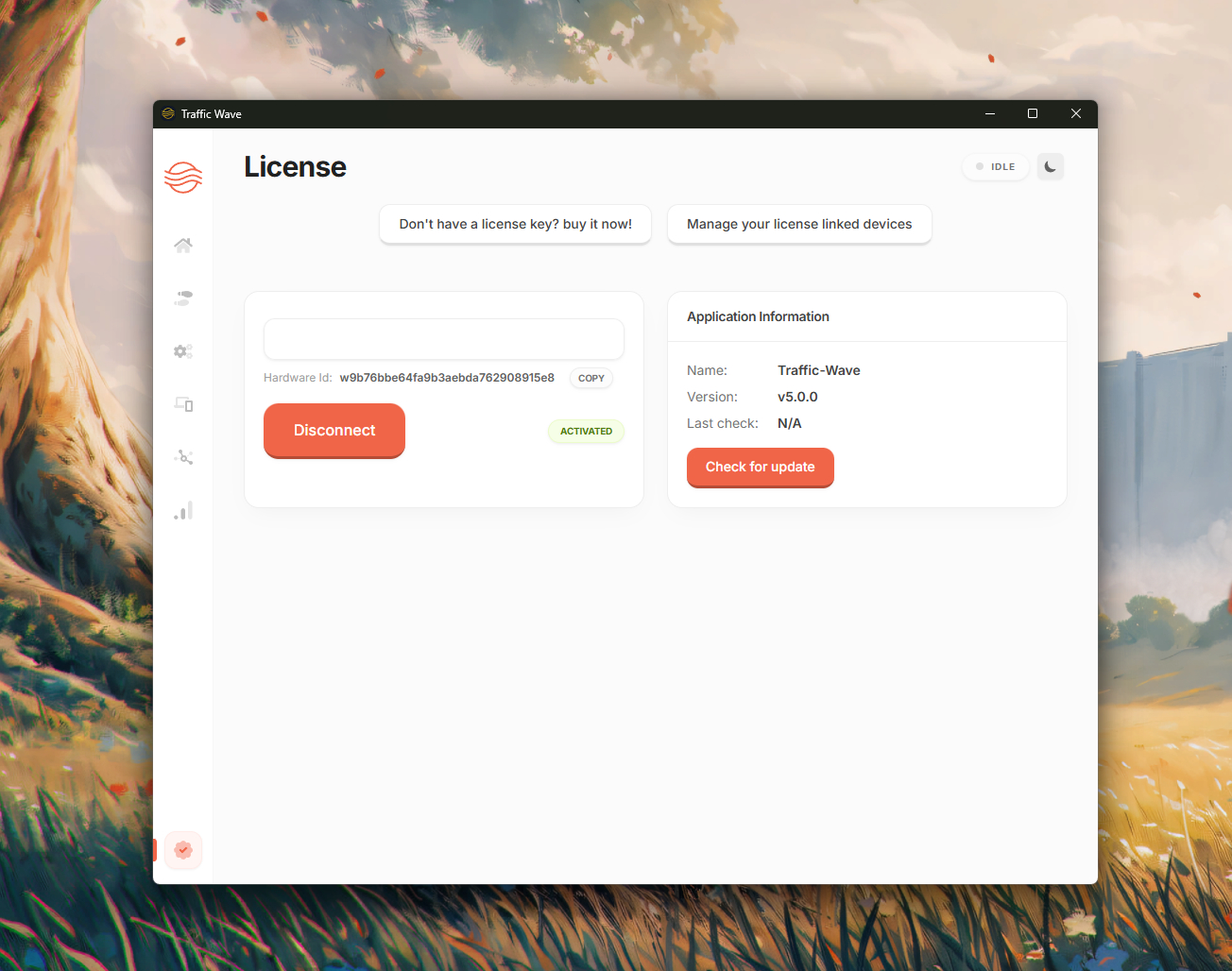
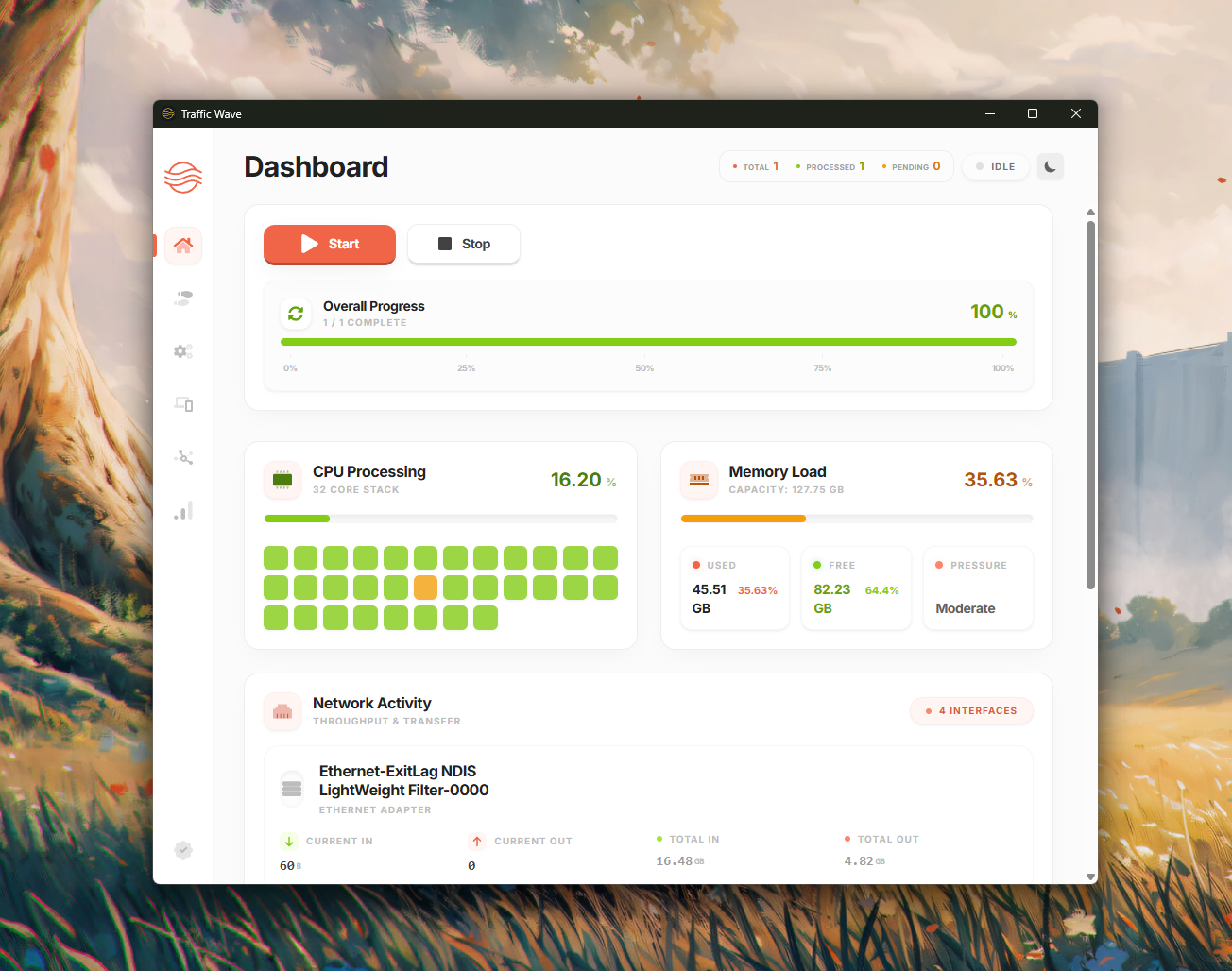
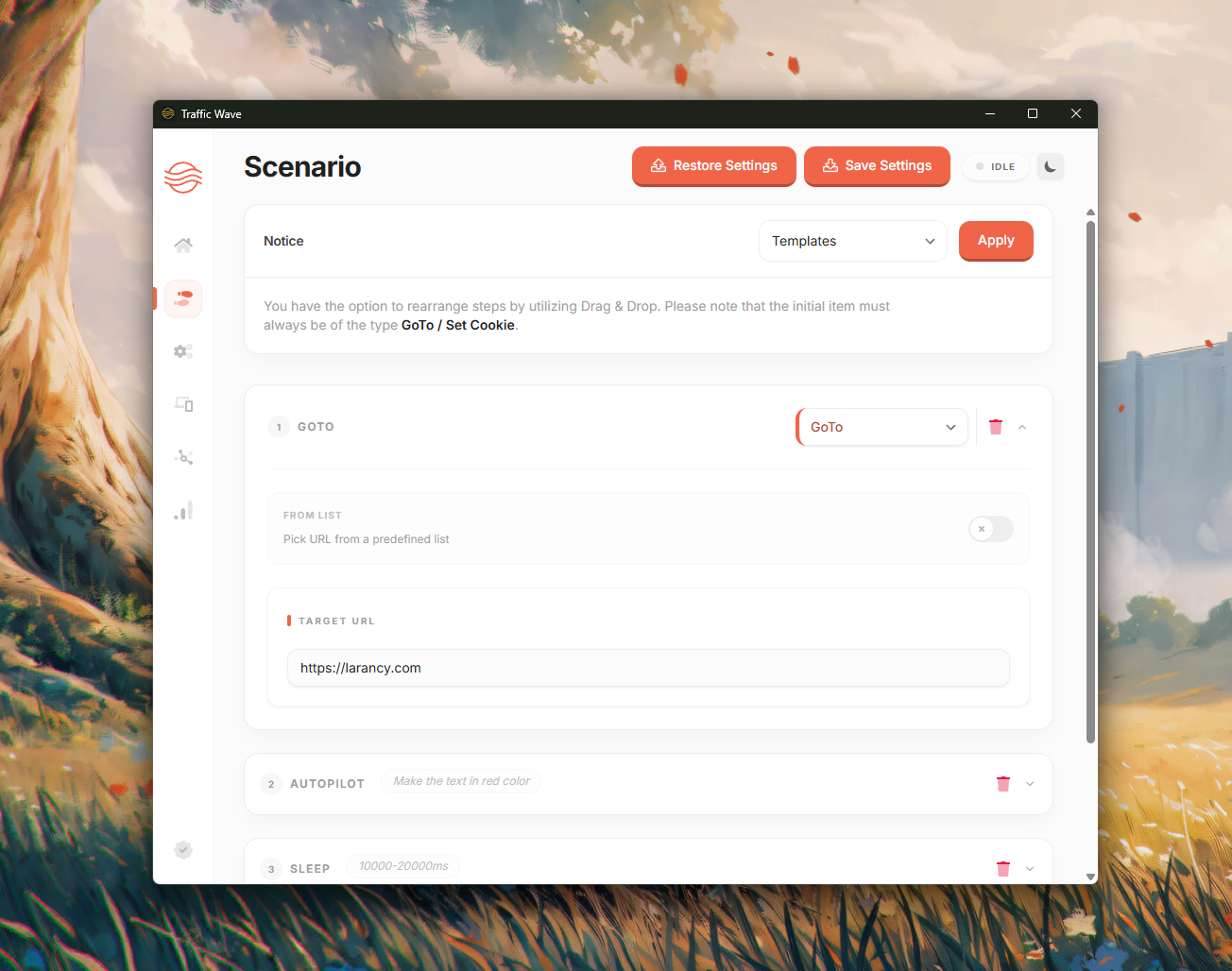
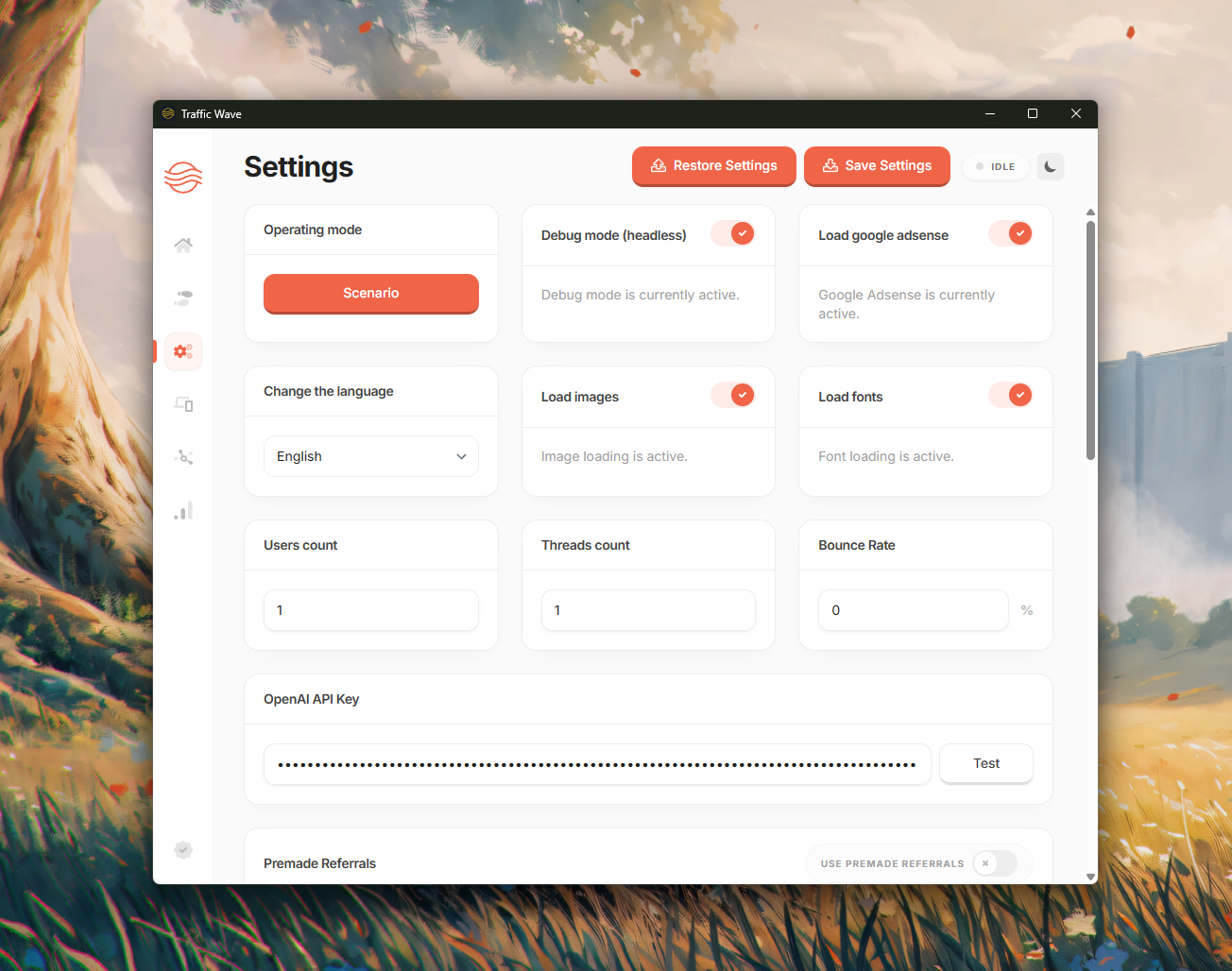
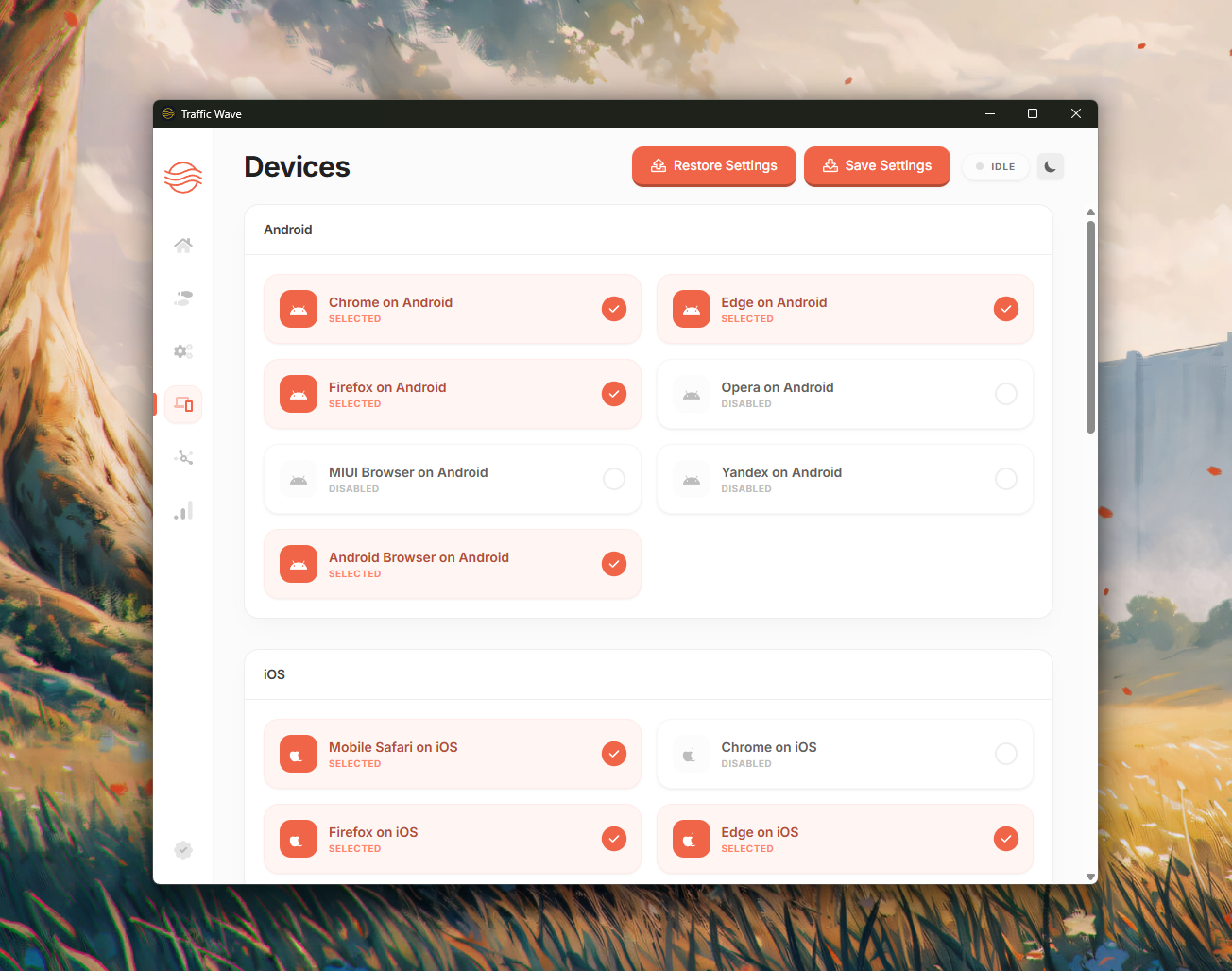
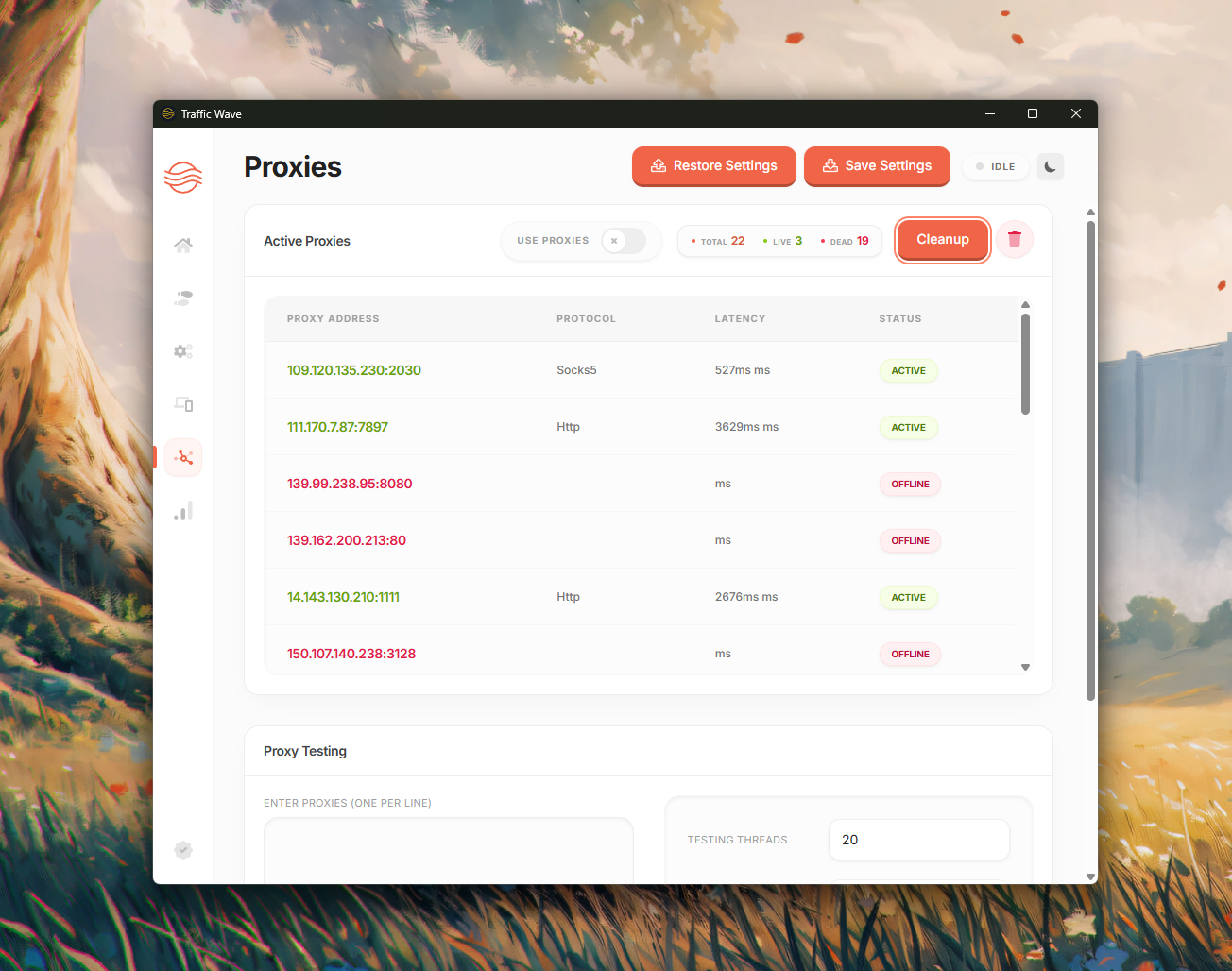
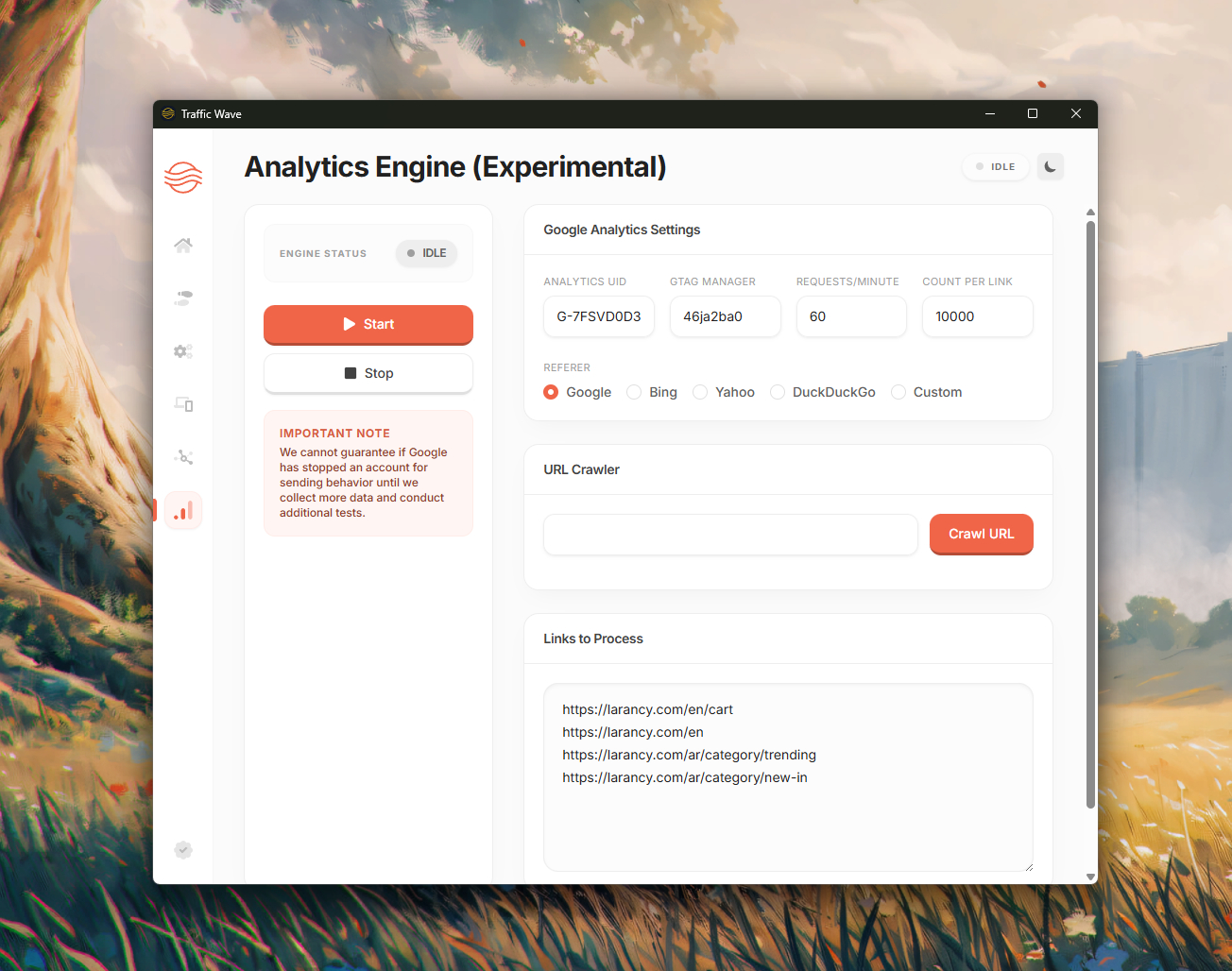
Screenshot 1 Screenshot 2 Screenshot 3 Screenshot 4 Screenshot 5 Screenshot 6 Screenshot 7

1 / 7

One payment of $24 covers all of it.

No monthly fee, no seats to add later and no feature tiers. You pay once, activate the same code on each computer you use, and keep getting Traffic Wave updates.

Buy Traffic Wave — $24

With your license

  • One PC, one Mac and one Linux machine
  • Free updates for Traffic Wave
  • Move to a new computer from your account
  • Email and ticket support
  • A 3-day trial on each computer before you pay

Run it on your own site first.

The desktop app runs a 3-day trial on each computer without a license. Download it, build a scenario and watch the visits arrive before you spend anything.

Also from Traffic Wave: Traffic Wave Pro

Our flagship traffic generator, with persistent browser profiles, proxy pools, GA4 traffic and fingerprint protection, sold with its own license. See Traffic Wave Pro

Traffic Wave — AI-powered web automation and browser session engine

Traffic Wave is a desktop application that runs real browser sessions through programmable scenarios. It is built for website owners, agencies, growth engineers, developers and QA teams who need to simulate, automate and validate web visits at scale.

Unlike plain HTTP traffic tools, Traffic Wave uses real Chromium-based browsers with scrolling, mouse movement, typing, navigation and realistic delays, so every session behaves like a real visitor.

Key capabilities

  • Visual scenario builder with drag-and-drop steps
  • Real browser automation, not HTTP bots
  • AI-powered Autopilot mode
  • Google Search and referrer visits
  • Proxy and geo-targeting support: HTTP, HTTPS, SOCKS4 and SOCKS5, with or without authentication, with rotation and validation
  • Mobile and desktop device emulation
  • Analytics and detailed logging

Why use Traffic Wave

  • Traffic simulation: send real-browser visits to your sites for SEO, research and performance work
  • Website testing: validate analytics, pixels and funnels
  • Automation: repeat browsing tasks at scale
  • Distributed sessions: use proxies to run visits from around the world
  • Agency deployment: offer traffic and automation services to your clients

Commercial license and reseller panel

Every purchase includes the built-in license and reseller system: generate licenses for your own customers from your account, distribute the software and run your own automation business.

Supported platforms

  • Windows 10 and 11
  • macOS (Intel and Apple silicon)
  • Linux (AppImage and Debian)

Traffic Wave Pro is an independent product with its own license. Traffic Wave customers keep full use of their app and its support.

Send traffic only to websites you own or manage, and never use Traffic Wave to click ads or inflate paid impressions or views.

Before you buy

More answers in the help centre, or write to us.

Is Traffic Wave Pro an update to Traffic Wave?

No. Traffic Wave Pro is an independent product with its own download, license and updates. Traffic Wave licenses remain valid and supported, and each purchase code activates only the product it was bought for.

Where do I find my purchase code?

If you bought on our website, the code is on your order page and in the confirmation email. If you bought on CodeCanyon, open Downloads on CodeCanyon, click Download next to the item and choose "License certificate & purchase code".

How many computers can one license use?

One computer per operating system: one Windows PC, one Mac and one Linux machine at the same time.

I changed my computer. How do I move my license?

Open Licenses in your account, find the operating system and choose "Release". Then activate the app on the new computer. You can release devices yourself a few times a month; after that, open a support ticket.

Is there a free trial?

Yes. The desktop apps run a 3-day trial on each computer without a license.

What can I use Traffic Wave Pro for?

Sending human-like visits to your own websites: search, social and referral traffic from the countries and devices you choose, with matching Google Analytics data, for SEO work, launches and load or analytics checks. Use it on sites you own or manage, and never to click ads or inflate paid impressions or views.

Already bought Traffic Wave?

Link your purchase code to your account to download builds and move it between computers.

Link a license