
What Traffic Wave Pro does
Traffic Wave Pro is a website traffic generator that works with real browsers. Each visit is a real Chrome session that arrives the way people do — from a Google search, a social network or a referring site — then scrolls, clicks, types and spends time on your pages. You choose how many visits, from which countries and devices, through which proxies, and over what period.
Because every visit runs in a real browser, it loads your pages, scripts and tags exactly like a visitor would, and shows up in Google Analytics with the source, location and engagement you set.
Main features
Human-like behaviour
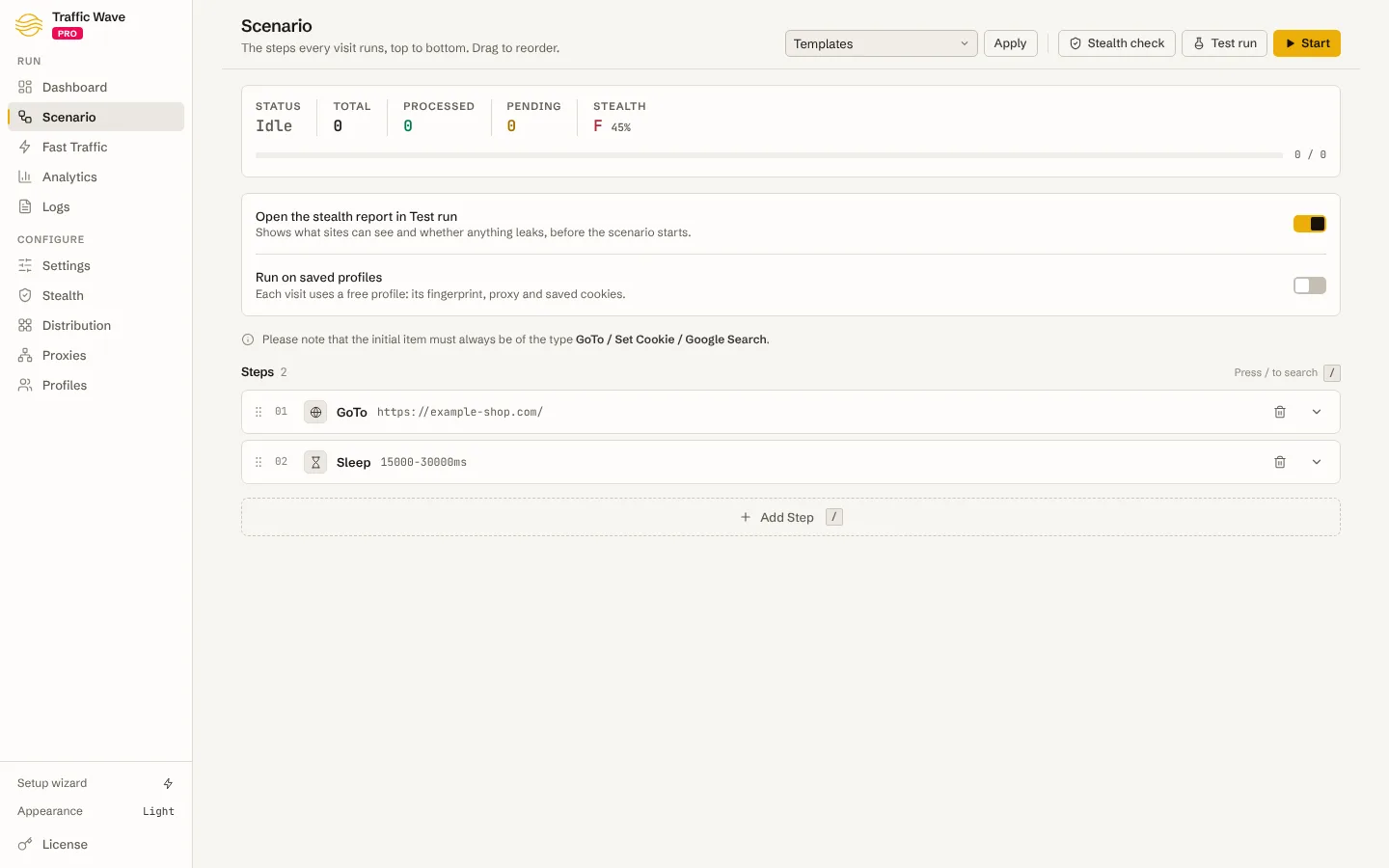
Visits follow a scenario: open a page, search Google for a keyword and pick your result, click a link, scroll, fill a form, wait. Random delays, natural scrolling and mouse movement make each session behave like a person reading the page. Templates cover common journeys, and the AI assistant can write a scenario from a plain description.
Traffic from anywhere
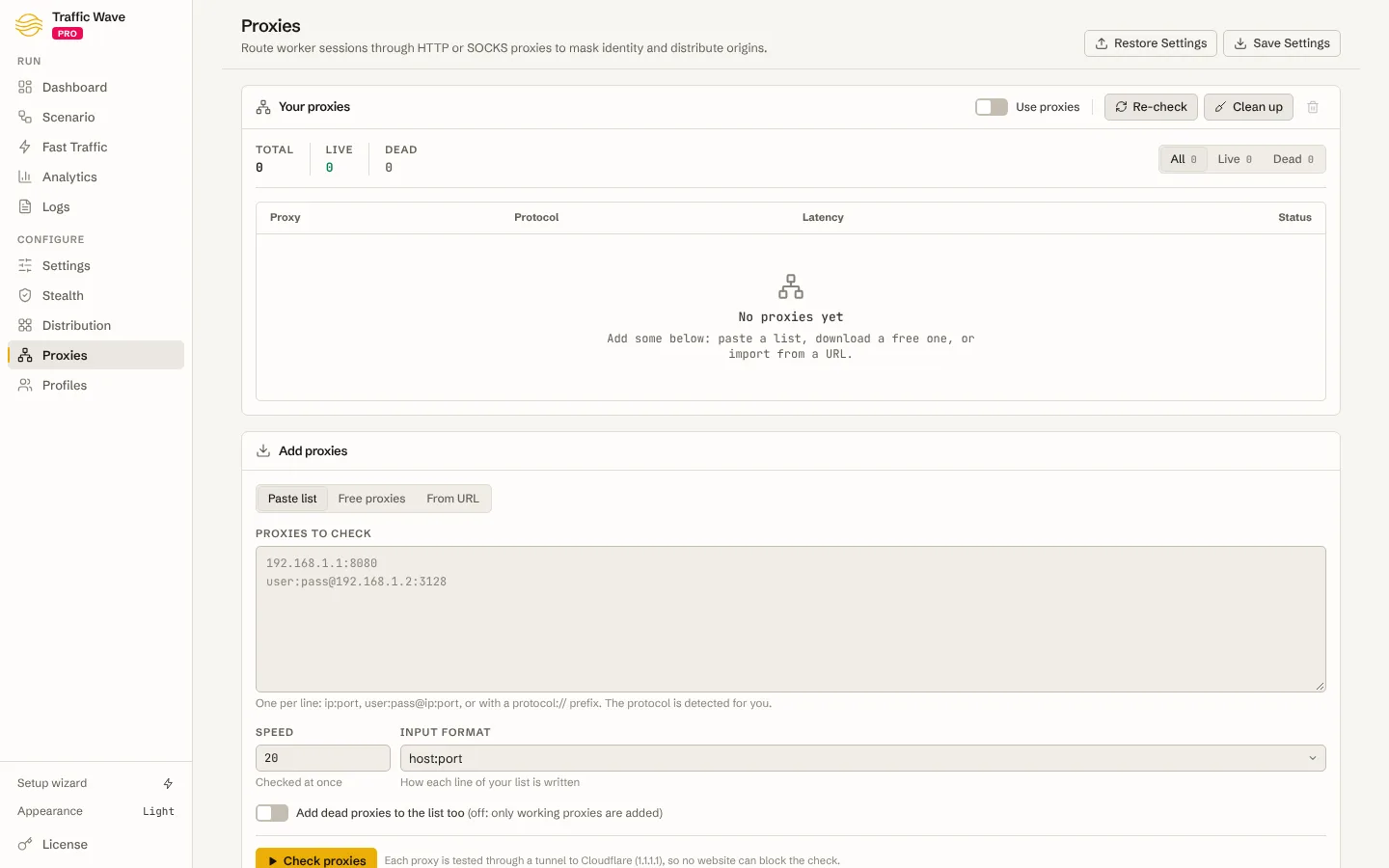
Use your own HTTP, HTTPS or SOCKS5 proxies, with or without credentials. Pools rotate round-robin, at random, by time or by lowest latency, dead proxies are skipped, and each visit's time zone and language follow the country the proxy exits from.
Google Analytics traffic
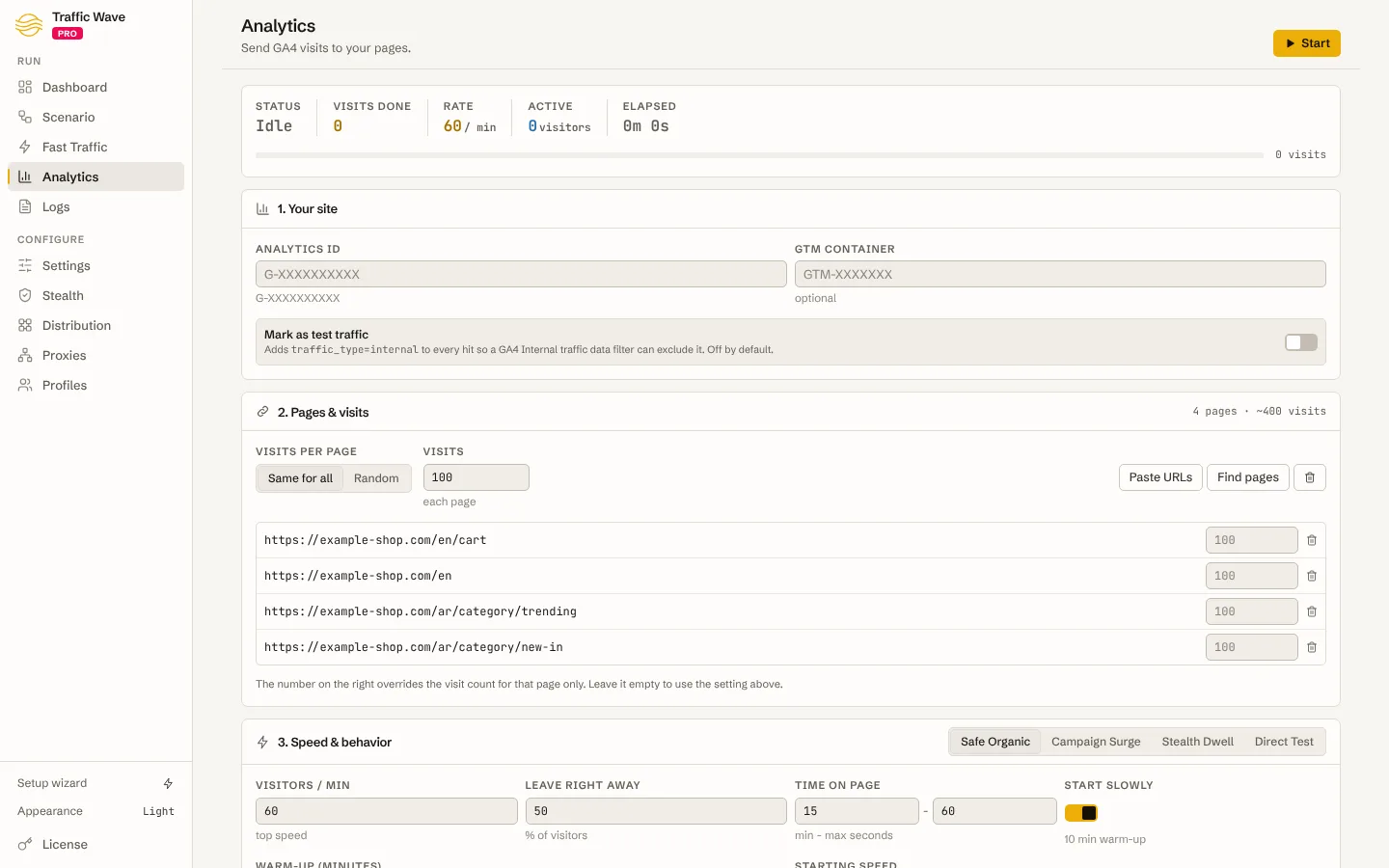
The Analytics module sends GA4 visits with a full journey: page views, engagement time, scrolls, site search, product views, add to cart, checkout, purchase, lead forms, video, downloads and custom events, with realistic timing and the traffic sources you choose.
Returning visitors with browser profiles
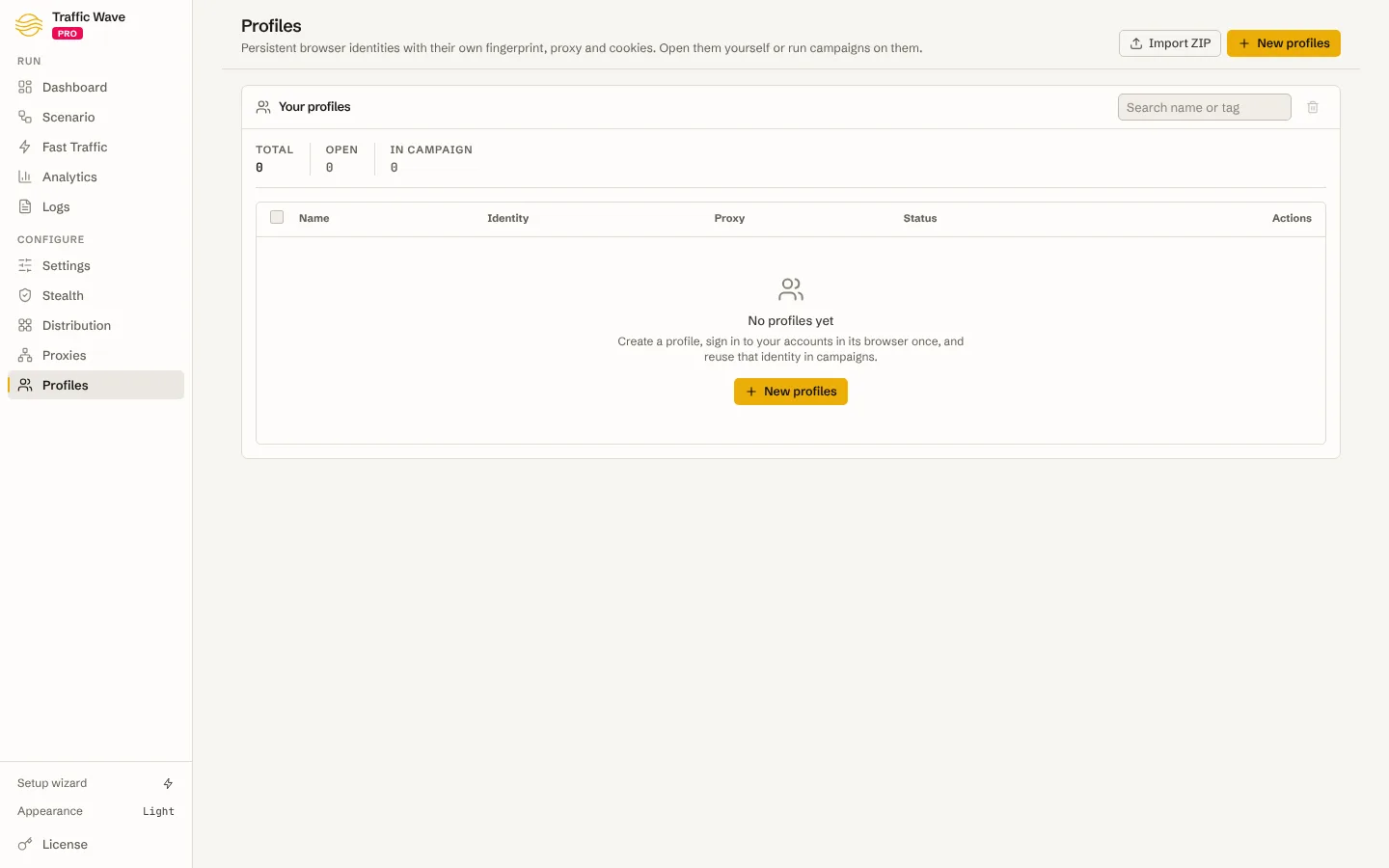
Each profile keeps its own Chrome data, cookies, user agent and screen, so returning visits really come back. Open any profile in a normal Chrome window to log in or manage its cookies, then reuse it in campaigns.
Fingerprint protection
Every session gets a consistent browser identity — user agent, client hints, screen, time zone, language, WebGL and more — that matches its device and proxy location. A built-in report shows what a website sees from the session before a campaign starts.
Runs on your machine
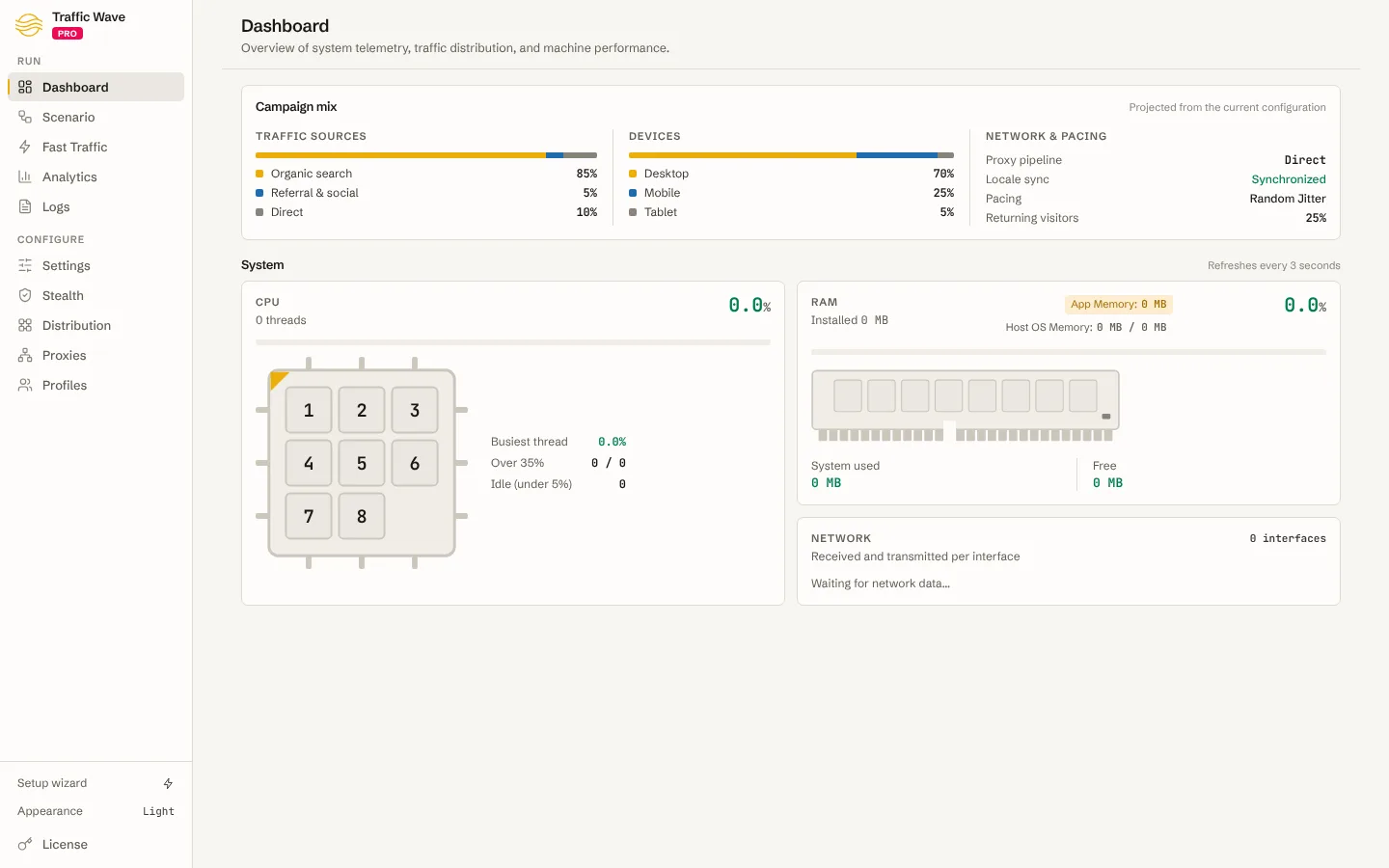
Multi-threaded campaigns with live statistics, logs and CPU, memory and network monitoring. Windows, macOS and Linux builds share one license, and your campaigns, profiles and proxy lists stay on your computer.
Who it is for
- Website owners and SEOs who want steady search, social and referral visits to their pages.
- Marketers warming up new pages and checking that analytics, pixels and funnels count every visit.
- Agencies running traffic campaigns for the client sites they manage.
- Developers putting realistic, multi-region load on a site before a launch.
Traffic Wave Pro and Traffic Wave
Traffic Wave Pro and Traffic Wave are independent products, each with its own download, license and updates. Both can be installed on the same computer.
| Traffic Wave Pro | Traffic Wave | |
|---|---|---|
| Built around | Campaigns with persistent browser profiles | Scenario runs with device presets |
| Visitor identity | Saved per profile and reused for returning visits | Chosen for each run |
| Proxies | Pools with health checks, failover and location-matched time zones | A proxy list per run |
| Google Analytics | Full GA4 journeys, e-commerce and custom events | GA4 page views and events |
| License | Traffic Wave Pro purchase code | Traffic Wave purchase code |
Existing Traffic Wave licenses remain valid and supported.
Fair use
Send traffic only to websites you own or manage. Do not use Traffic Wave Pro to click ads or to inflate ad impressions, video views, followers or any other metric that someone pays for — that breaks the rules of every ad network and our terms of service.
System requirements
- 64-bit Windows, macOS (Intel or Apple silicon) or a Linux desktop (AppImage or .deb)
- Google Chrome installed (or point a profile at your own Chromium build)
- Memory grows with the number of visits you run at once; start small and scale up